
Your playlists.Your big screen.
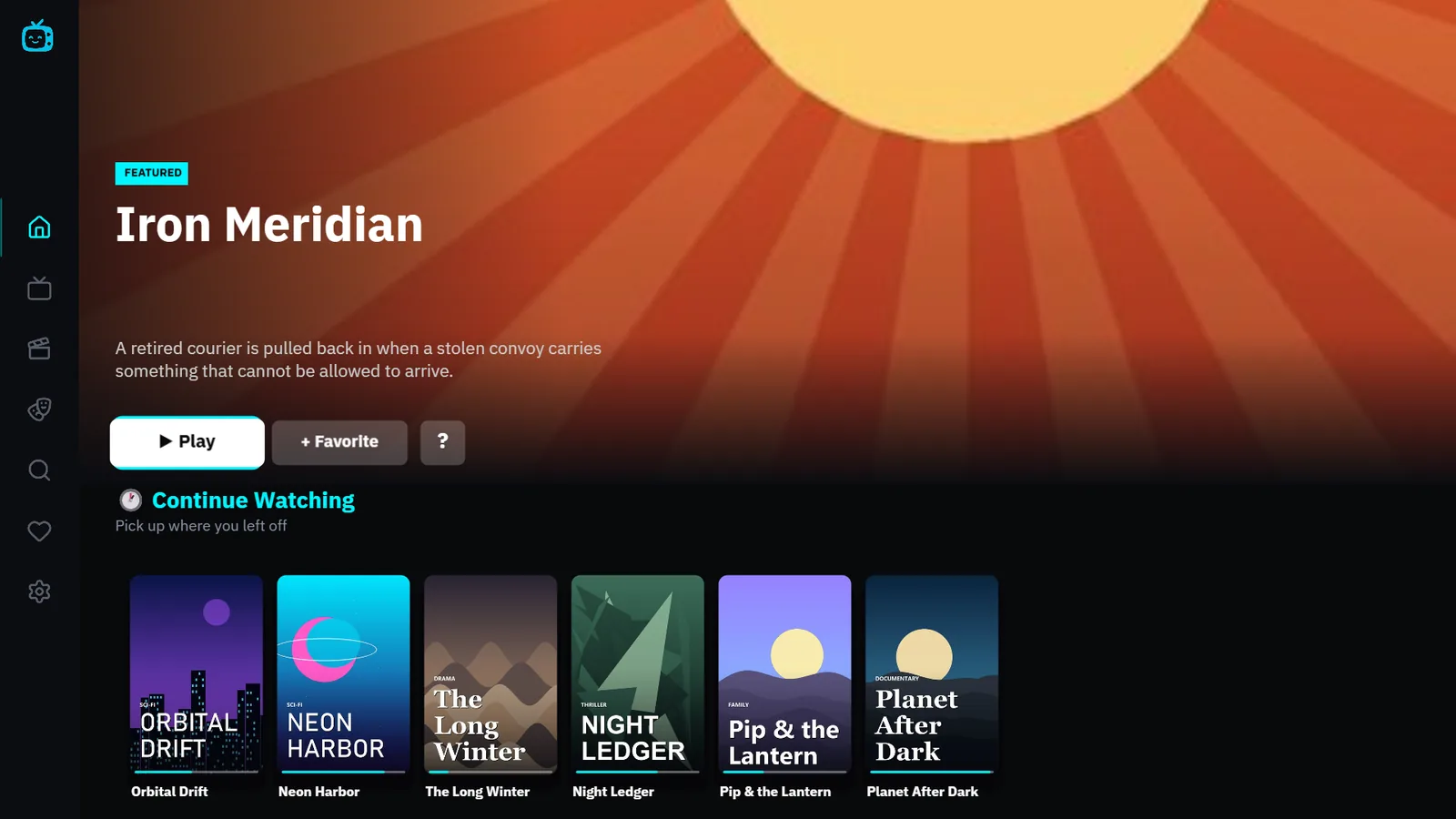
HEIO TV plays the IPTV, M3U and Xtream playlists you already have on Samsung and Android TVs: live channels with a guide, films and series with posters, and everything you started, waiting where you left it.
No card needed for the trial.
- Samsung Smart TVComing to Samsung Apps
- Android TV · Google TVComing to Google Play
Made for the remote.
Every screen is built for a D-pad and a sofa three metres away. Scroll through it the way you'd move through it with arrow keys.
-
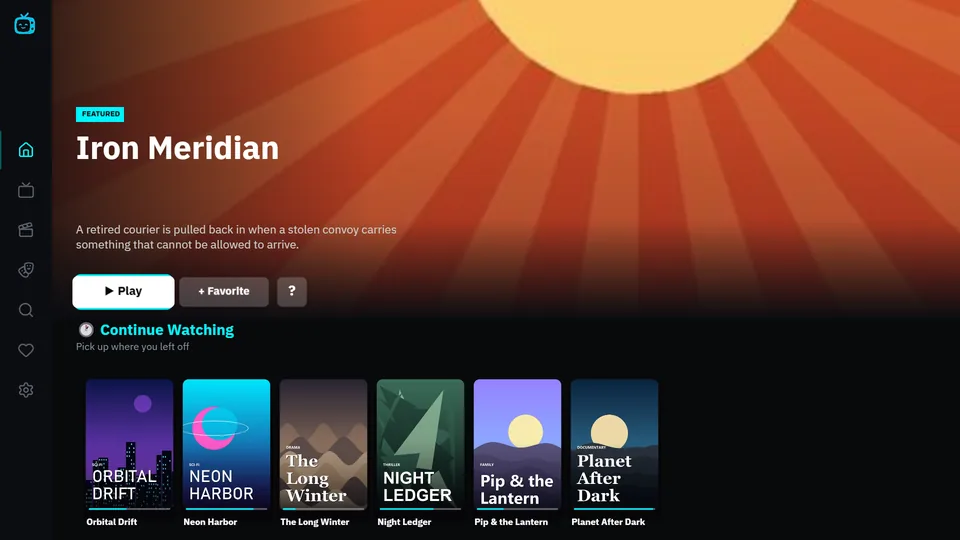
Pick up where you left off.
Continue Watching keeps your place in every film and episode. Live channels, films and series are one press away from the home screen.
-
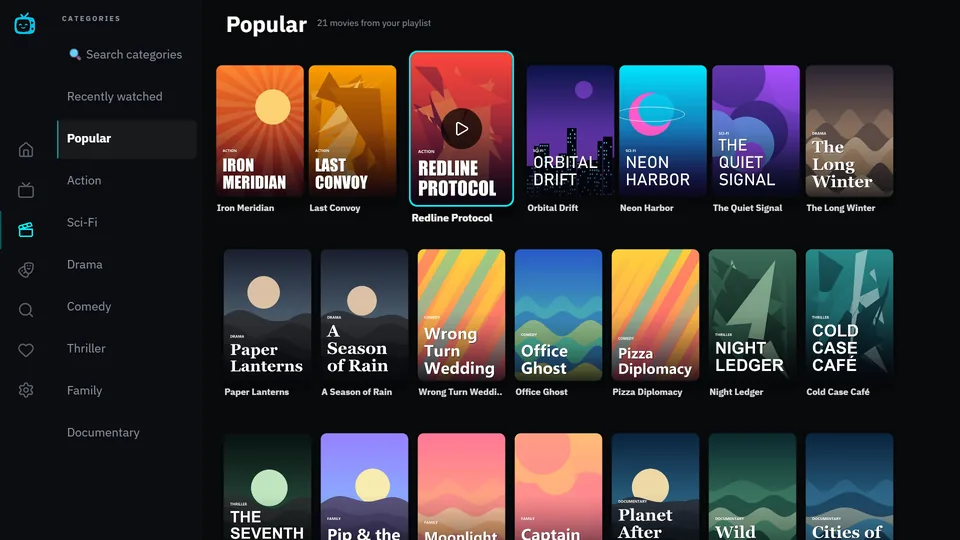
Your playlist, properly sorted.
Films and series keep your provider's own categories, with posters and a category search that works with the arrow keys.
-
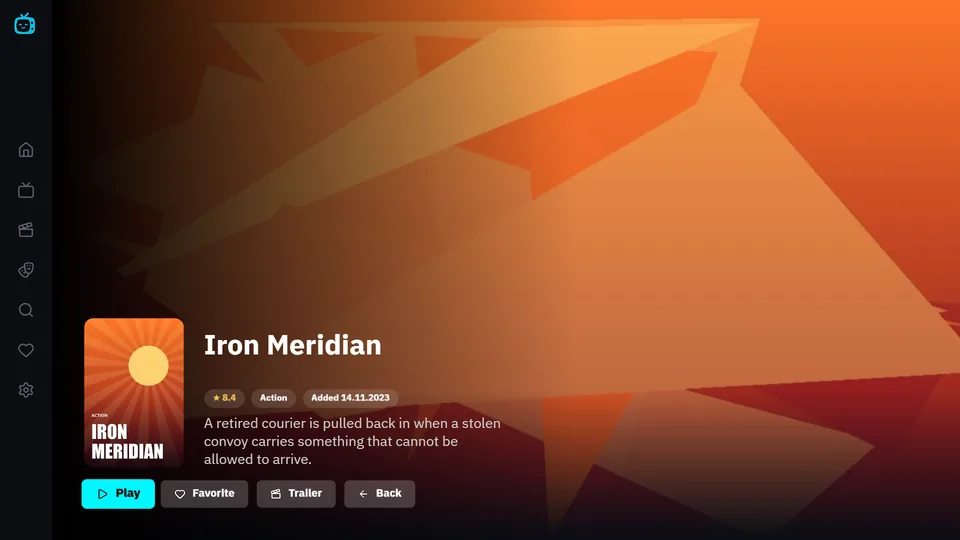
Know it before you press Play.
Description, rating and one-press resume on every title. Hold OK on any film, series or channel to save it.
-
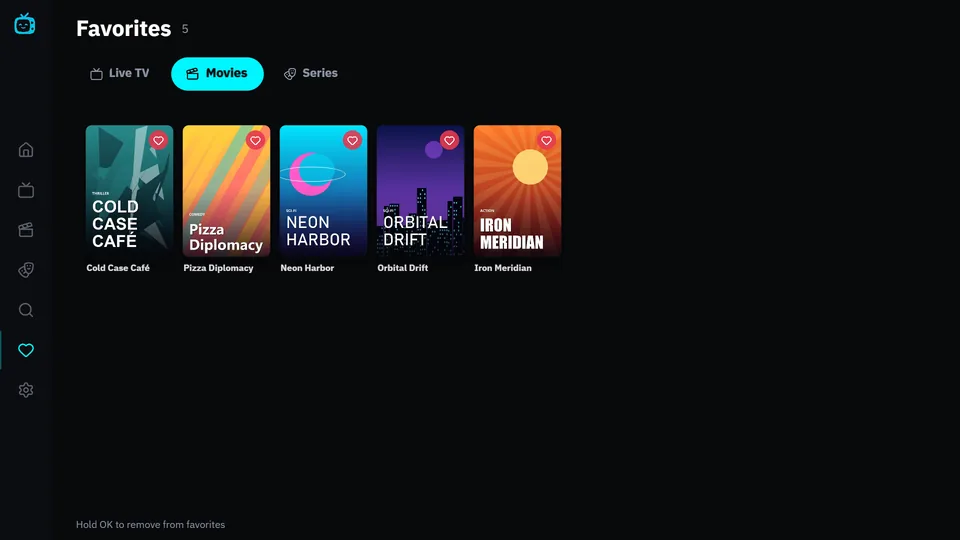
Favourites that know whose they are.
Saved separately for every playlist and every profile, so the family's lists never get mixed up.
-
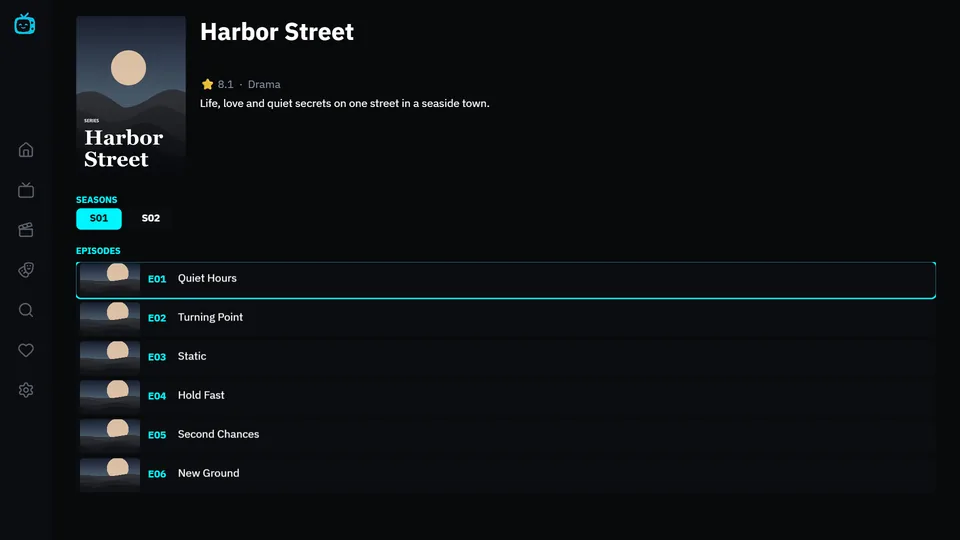
Series, season by season.
Seasons as tabs, episodes in order with their numbers and titles, so you always know where you are.
A library that looks like one.
Posters, rows and categories come straight from your playlist. Shown here: our demo catalogue with fictional titles.






























Demo catalogue, fictional titles
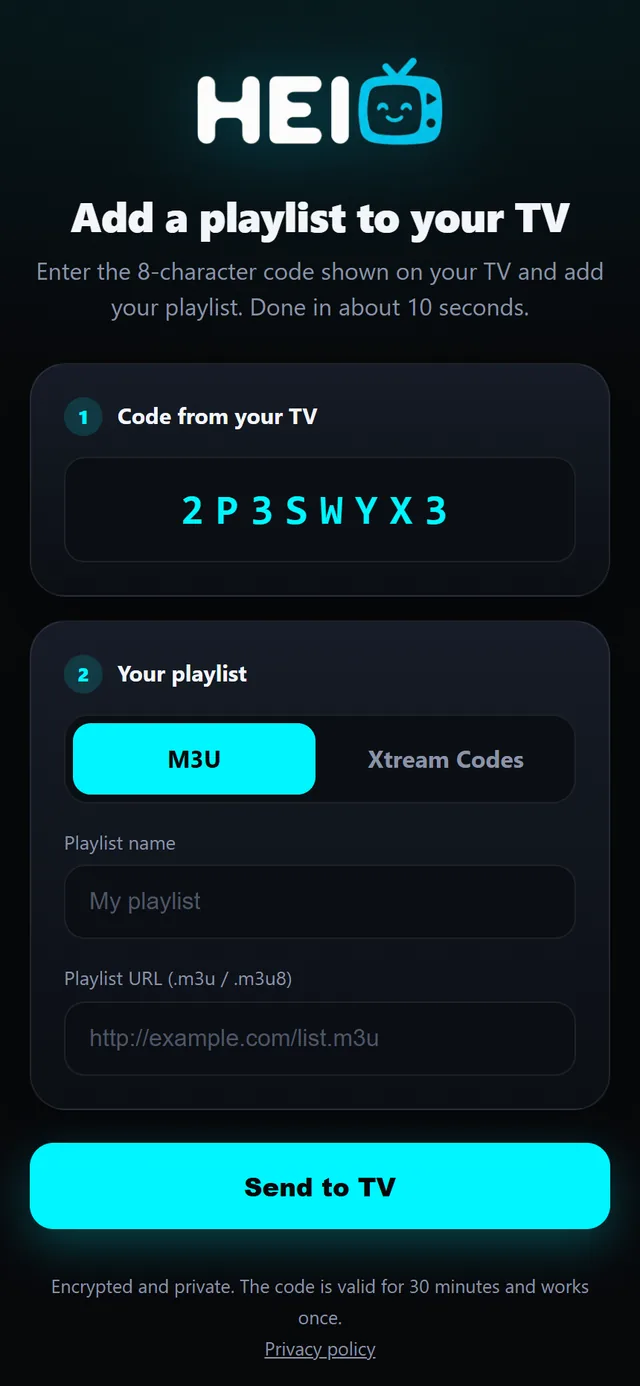
Two minutes. No typing on the remote.
Open HEIO TV
Your TV shows a QR code and an 8-character code.
Scan it with your phone
Enter your Xtream login or paste an M3U link on the page that opens.
Watch
The playlist appears on your TV by itself. Add more any time and switch between them.
Engineered for TV hardware.
- WebGL, not a web page
- The interface is rendered with LightningJS, the framework made for smart TVs and set-top boxes.
- Native video underneath
- Samsung's AVPlay on Tizen, ExoPlayer on Android TV. Live, films and series play through the TV's own player.
- Straight from your provider
- On Samsung and Android TV, video streams go directly from your provider to the TV. They don’t pass through our servers.
- Updates by itself
- Improvements reach your TV automatically, without waiting for a store release.
- Xtream Codes and M3U
- Several playlists, profiles and a parental PIN. Switch between them whenever you like.
- 14 languages
- English, Polish, German, Spanish, Italian, French, Portuguese, Russian, Ukrainian, Czech, Slovak, Dutch, Turkish and Hungarian.
Seven days of everything. Then your call.
The trial starts the first time you open the app, with every feature unlocked and no card. To keep HEIO TV afterwards, choose one of two plans. Pay by card, BLIK, Apple Pay or Google Pay.
Install HEIO TV from your TV’s app store and open it. The 7-day trial starts by itself.
- Samsung Smart TVComing to Samsung Apps
- Android TV · Google TVComing to Google Play
Lifetime
One payment. HEIO TV is yours for good on that TV.
1 year
365 days of full access from the day you activate.
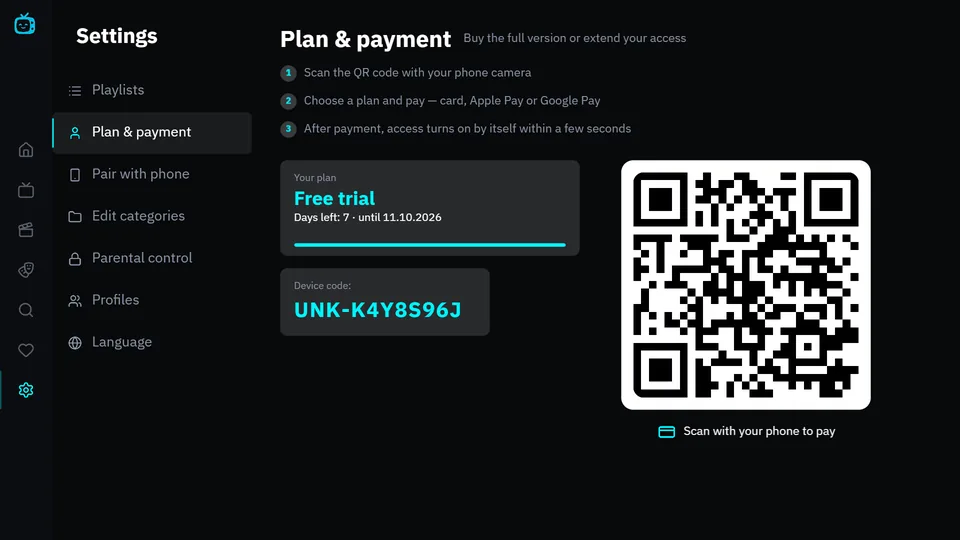
You'll need the Device ID shown in the app under Settings → Plan & payment. Prices are shown on the payment page.
Questions
Does HEIO TV come with channels?
No. HEIO TV is a player. It doesn't provide, host or sell channels or any other content. You add a playlist you already have from your own provider.
Which TVs does it work on?
Samsung Smart TVs from 2021 onwards (Tizen 6.0 and newer). The Android TV and Google TV version is on its way to Google Play.
Which playlist formats are supported?
Xtream Codes (server address, username and password) and M3U or M3U8 links. You can add several playlists and switch between them.
What happens when the trial ends?
The app asks you to choose Lifetime or 1 year. Scan the QR code on the TV, or open the payment page and enter your Device ID. Access turns on by itself within a few seconds of payment.
What do you do with my data?
We keep your playlist address encrypted so it can sync to your TV. On Samsung and Android TV, video streams go straight from your provider to the TV and don’t pass through our servers. Privacy policy
I need help.
Write to support@heio.tv with your Device ID and we'll get back to you.